 Edimakor

All-in-one AI Video Editor Easy for Beginners
- Effortlessly edit, split, cut, trim, and crop videos, audio, music, images, and text with a simple drag-and-drop.
- Enhance your videos with free transitions, filters, effects and royalty-free stock audios.
- Use AI tools to boost productivity. AI talking avatars, AI speech-to-text, AI text-to-speech, AI translation, and more.
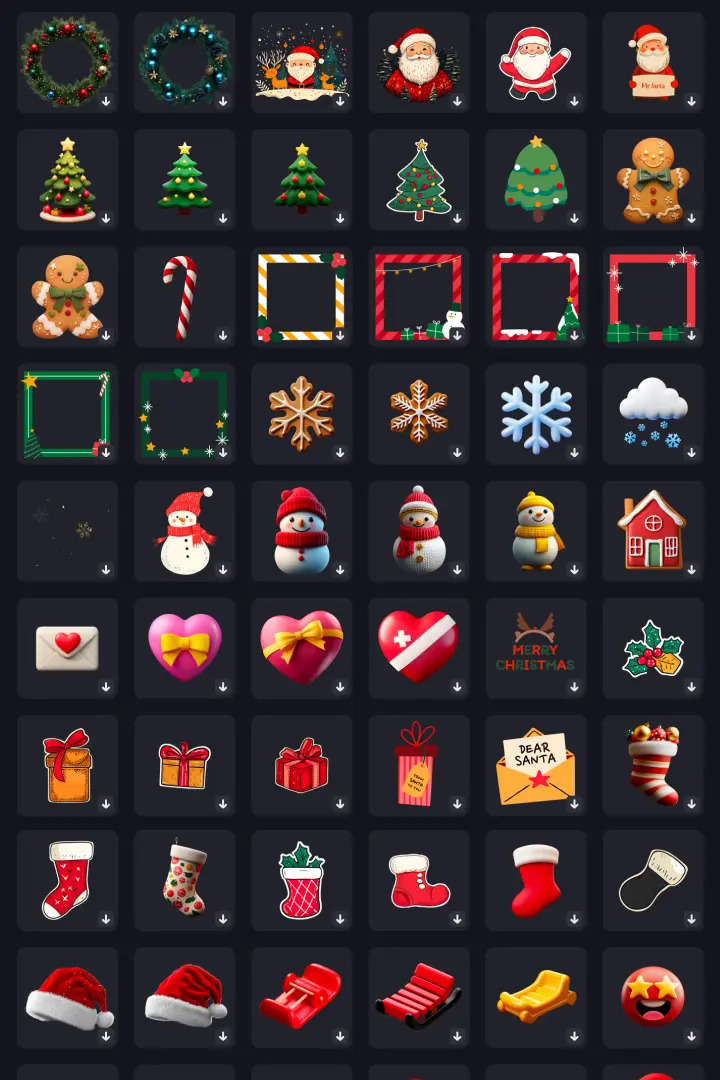
- A powerful library of fun stickers, videos, images, and sounds.
- 1 click to auto reframe and share your video to YouTube, Instagram, Facebook, TikTok, etc.
Easy Video Creation Powered by
Edimakor AI
Image to Video
Text to
Video
AI Music
Generator
AI Talking Avatar


AI Speech
to Text
AI Text
to Speech
AI Background
Remover


AI Vocal Remover
Image to Video
Transform static images into dynamic videos with Edimakor AI Image to Video Generator! Create AI kiss, fight, hug, hand heart, pet cooking videos, or customize prompts to bring your photos to life.
Text to Video
Convert text to stunning video with Google's Veo 3 model.With Edimakor AI text-to-video feature, you can turn any text to video with AI in one click.
AI Music Generator
No instruments? No problem. Edimakor's AI Music Generator instantly turns your text into music, rap, beats, and jingles for free -- all royalty-free.
AI Talking Avatar
Create realistic AI talking avatar or custom your own avatar with advanced video lip-sync technique to accelerate video production for marketing, education, customer service and social content creation.
AI Subtitle/Speech to Text
Turn spoken words or audio into text. Get quick and accurate transcriptions, and enable automatic captions for better video accessibility. Translate subtitles easily in 120+ languages.
AI Text to Speech
Effortlessly transform text to AI realistic voices. Choose from over 400 100% natural-sounding AI voices in 50+ languages for studio-quality voiceovers. Forget about mics and voice actors.
AI Background Remover
Easily remove backgrounds from your videos and images. Add new backgrounds or keep them transparent for various video needs. Choose from a wide range of stock backgrounds to enhance your video appearance.
AI Vocal Remover
One click to remove lead vocals or remove background music from any video or audio. Simultaneous noise deduction enhances music clarity but never loses audio quality.


Simple steps to stunning creations
Your ultimate tool for video editing! Perfect for beginners seeking to split, merge, add text, transitions, filters, and more. Unlock a world of creativity with our extensive library of fun and engaging stickers, videos, images, and animated effects.
Unleash Your Creativity with
Advanced Editing Tools and
Effects
Enhance your videos with a wide range of advanced editing tools
and effects, empowering you
to bring your visions to life. Perfect for both beginners and
experienced editors, dive into a
world of endless possibilities and take your videos to the next
level!
Flexible Video Layout
Flexible video layout allows simultaneous arrangement of video clips
Trendy Filter
Adding a filter to a video works well on color correction and tone adjustment.
Speed Ramping
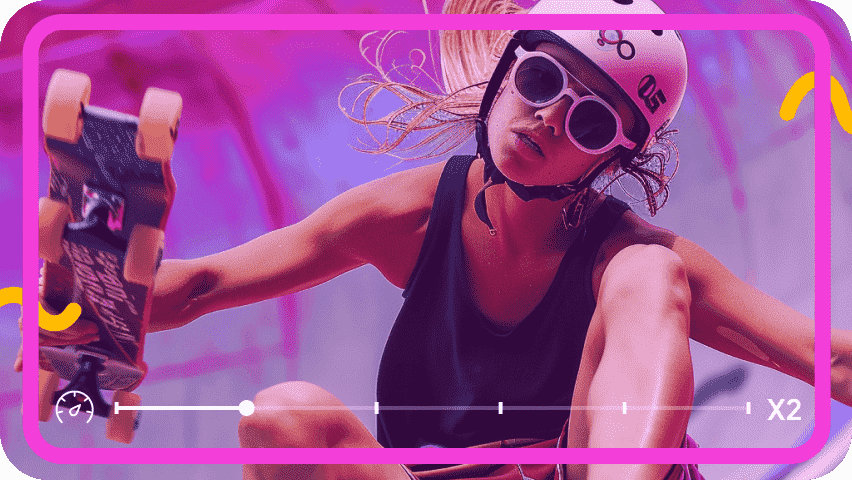
Flexibly slow down or speed up video speed, making your video vivid and stylish
Video stabilization
Create a stabler and smoother video by this video stabilization tool has never been easier
Extensive Resource Library
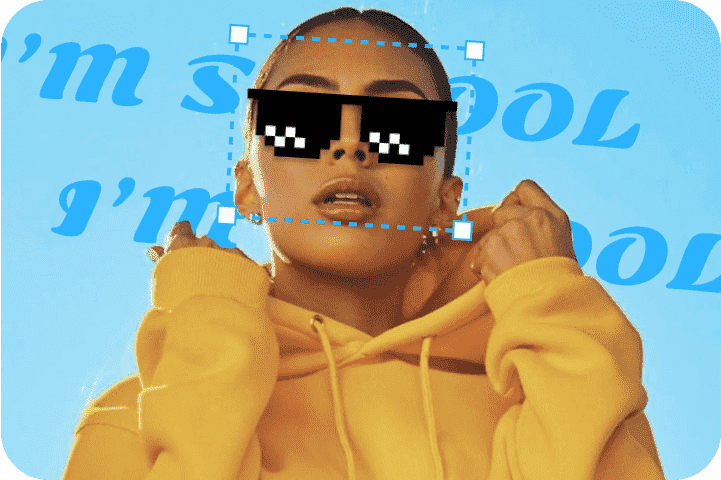
Unleash your creativity with our incredible library of fun and engaging stickers, videos, and images
Social-Friendly Video Export
Export video in perfect compatibility for YouTube, Instagram, TikTok, Shorts, and LINE
100+ Video Editing Tools & Features
HitPaw Edimakor offers a range of highly efficient tools for swift and
smooth video editing.
Perfect for both beginners and experienced editors, dive into a world
of endless possibilities
and take your videos to the next level!

Cut and Merge Videos

Rotate & Crop Videos
Speed Up or Slow Down Videos

Compress or Resize Videos

Download or Upload Videos

Add or Remove Subtitles

Add or Remove Text
Add or Remove Image

Add or Remove Audio

Add or Remove Background
Enrich your video content with
millions of media assets
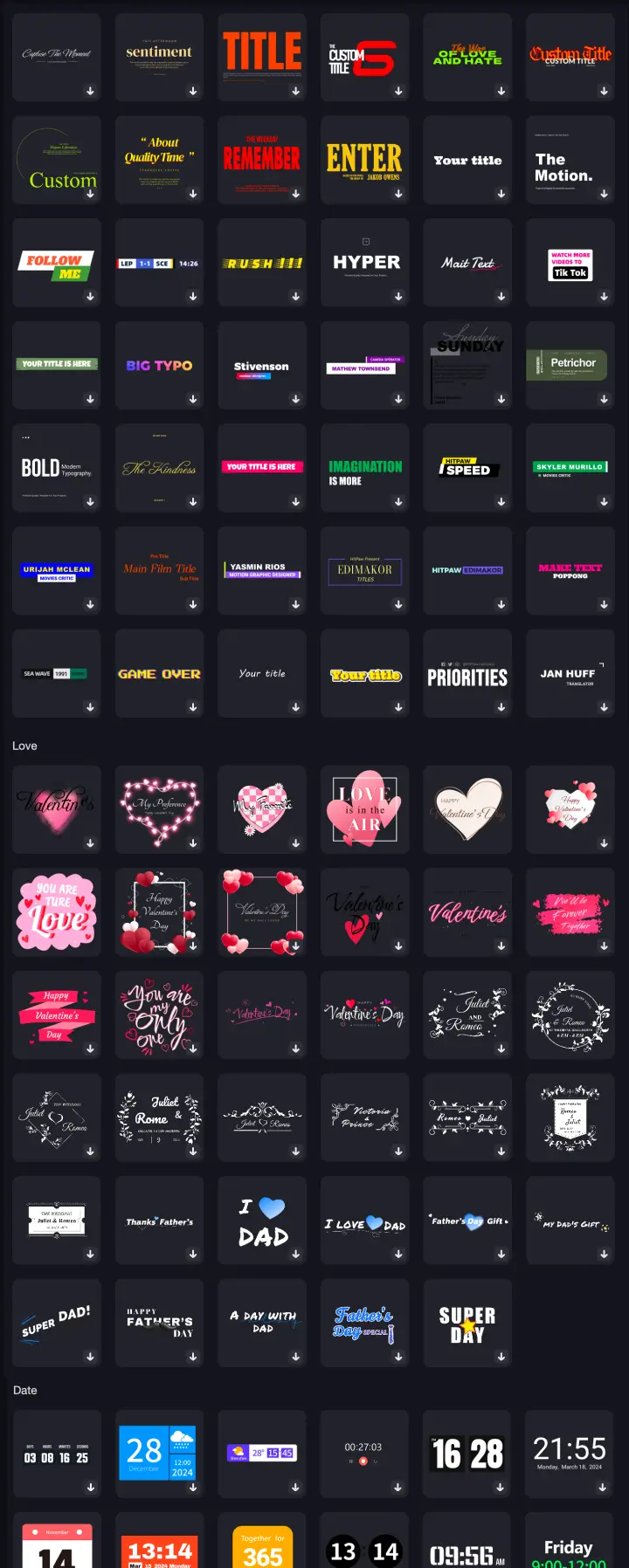
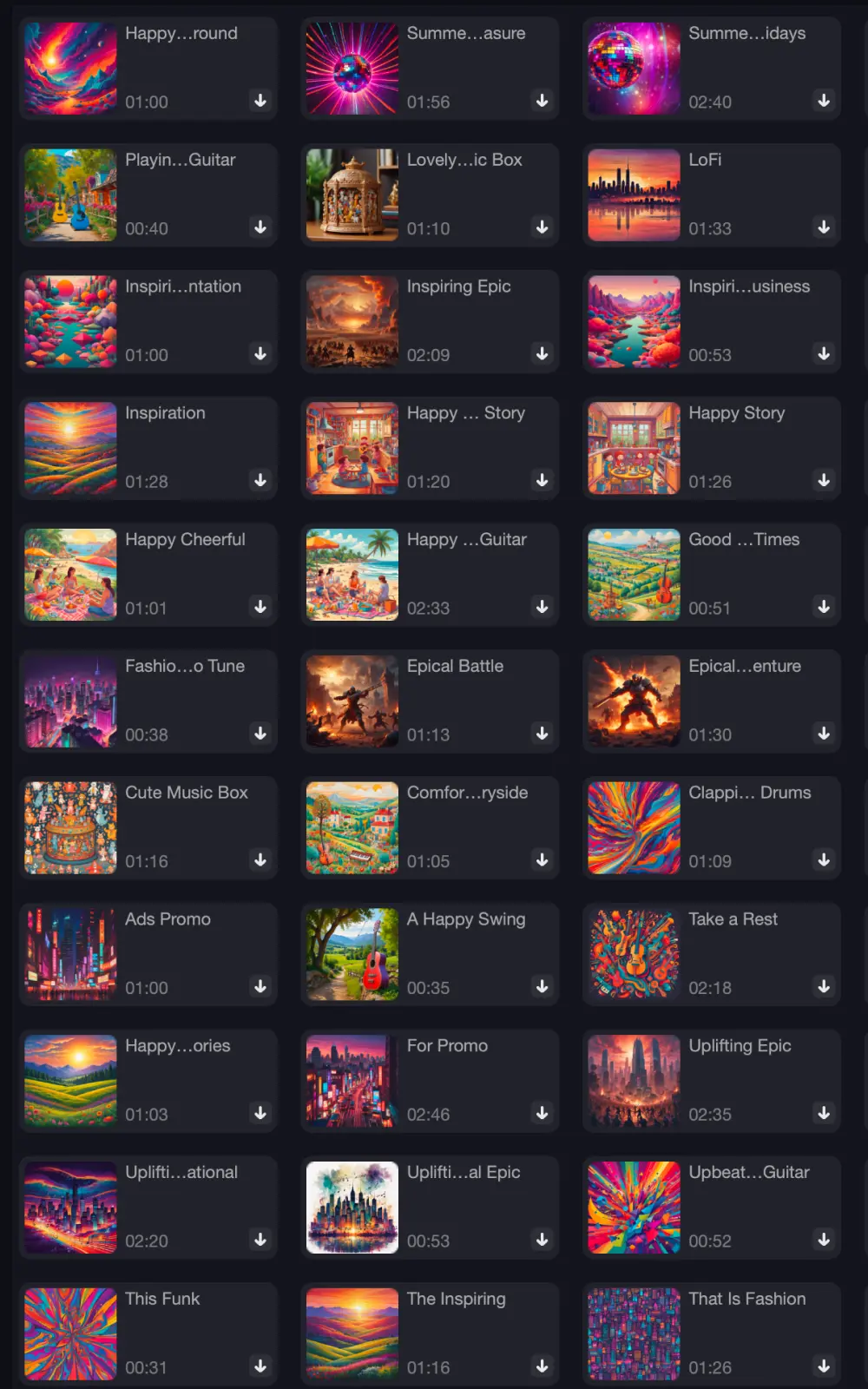
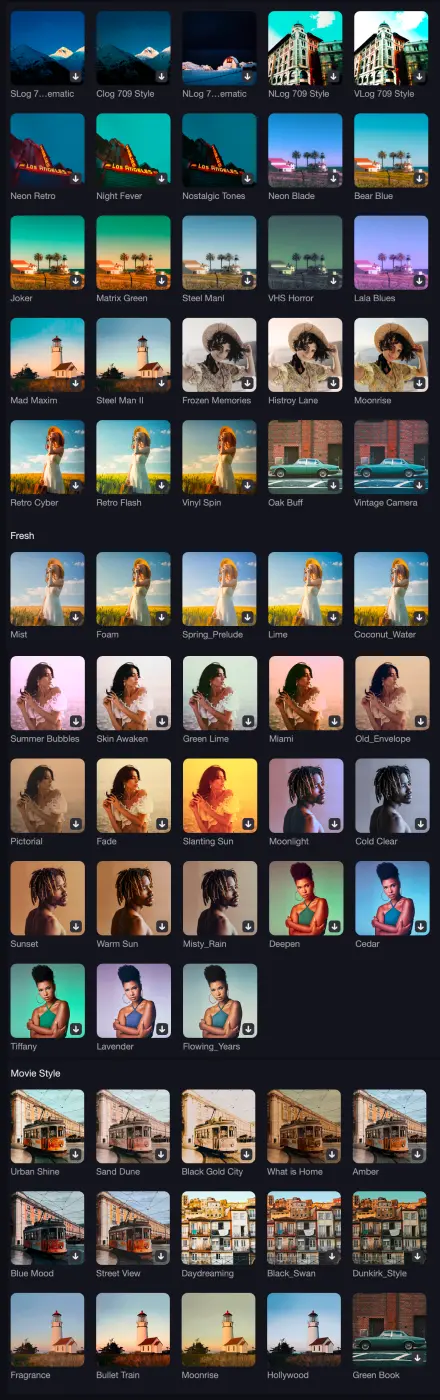
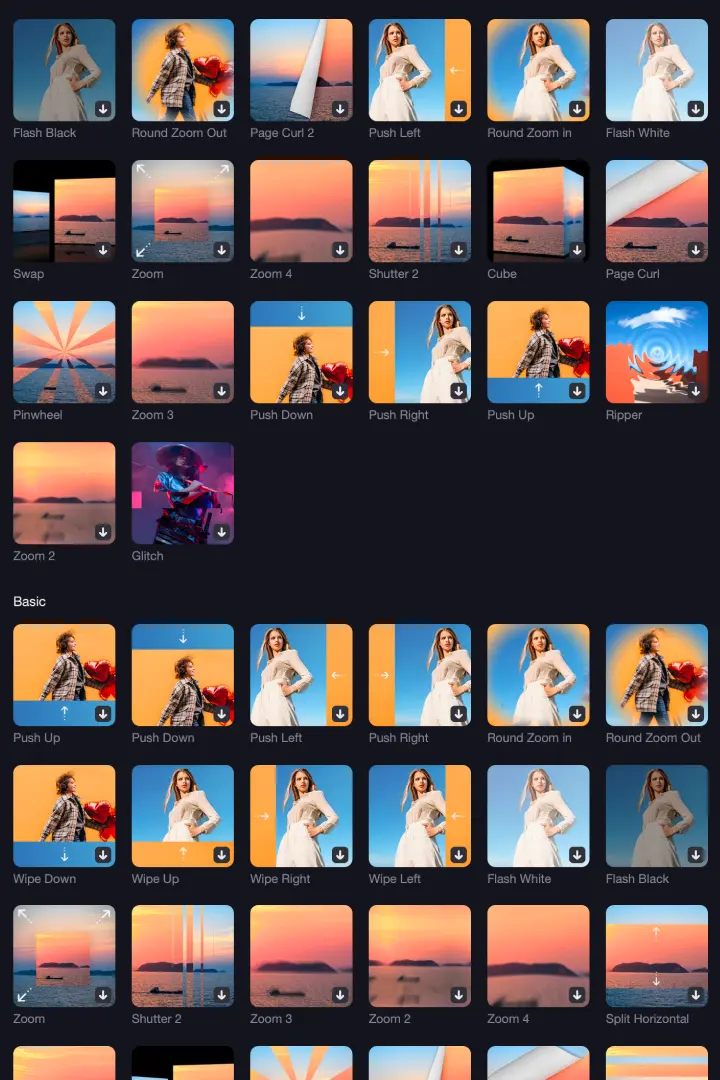
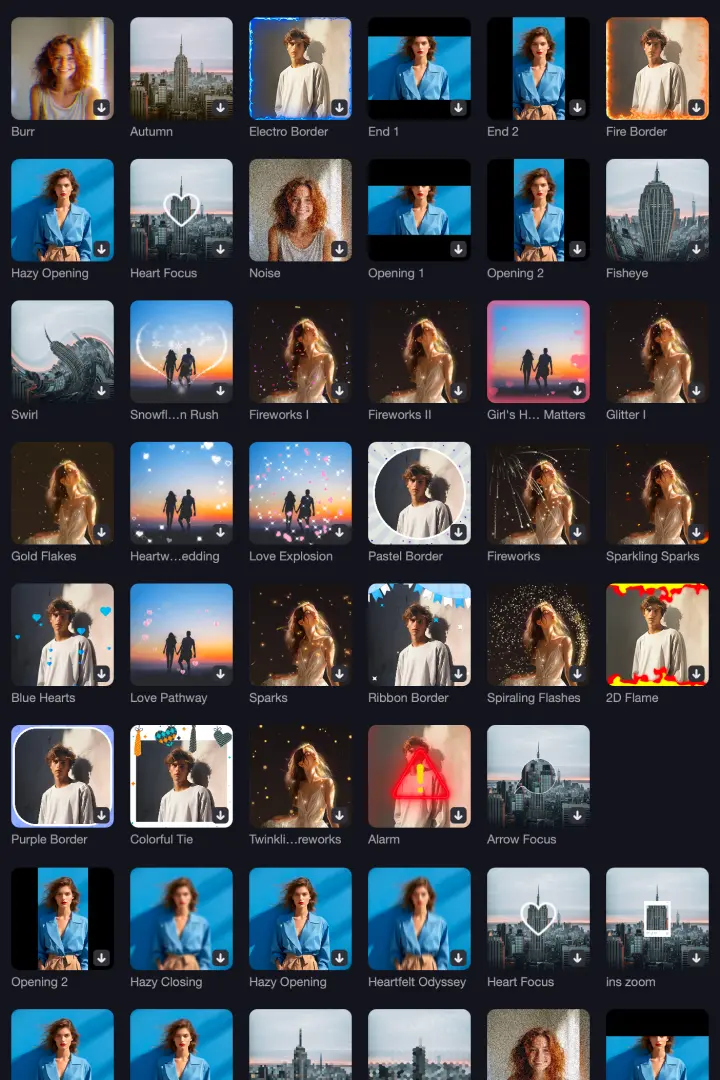
Explore 100M+ stock media, 2000+ titles, text, transitions, and 1000+ music tracks & stickers to boost your creativity.
1800+
1000+
500+
240+
100+
400+
Quickly create your own video
Edimakor is designed to meet the needs of every video editor,
giving you the freedom to edit
videos anytime, anywhere.
AI powered video and audio editor


6,000,000+ People Love Us
What I use most often are the cut videos and trim videos functions, which are done very quickly in this program, so HitPaw Edimakor is perfect for me. I used it every day to edit my tutorials video, then, share it with our company's social media. Thanks, HitPaw.
Halima West in New York
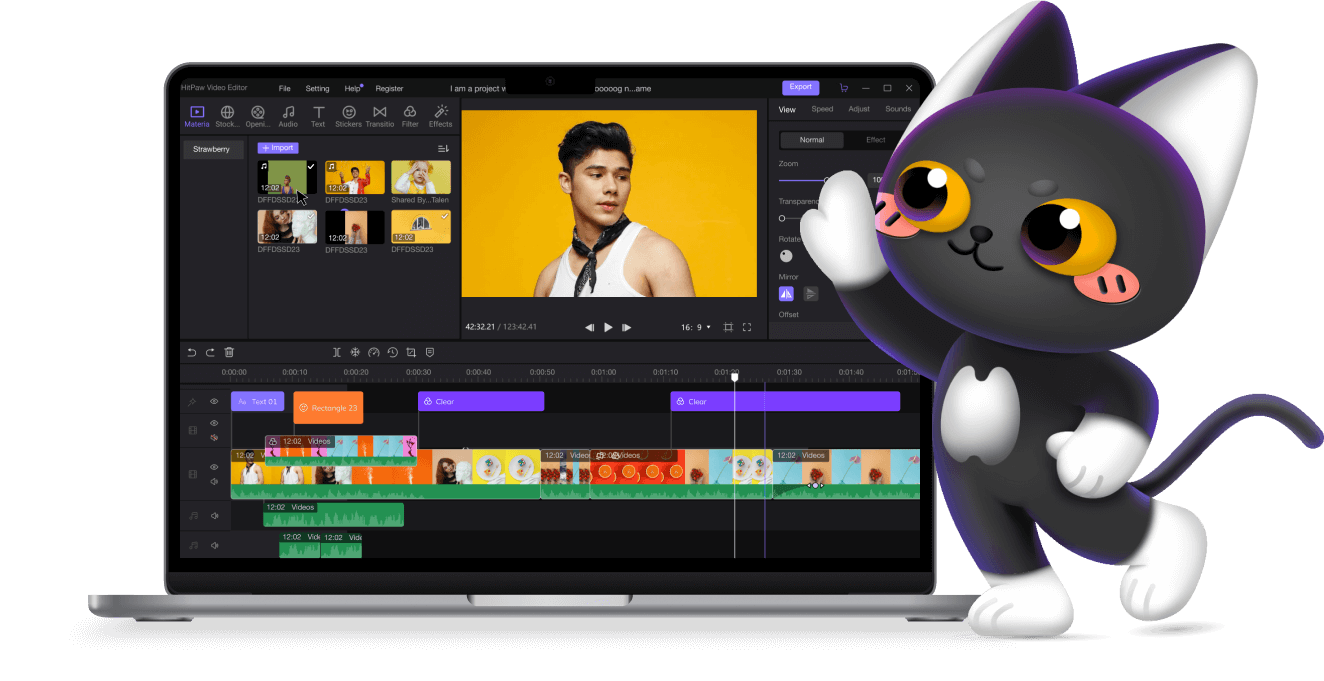
I like its design. I can check my videos in the middle, see all materials at the left, check all properties or edit on the right side. Unlimited tracks in the timeline allow me to edit the video based on my needs. Awesome video editor! I hope HitPaw can add more special effects to this editor.
Charles Hurst in Mexico
I love traveling and record all that happened, then, share vlogs on my YouTube channel. I love HitPaw Video Editor most. Although it is not as much powerful as other software, its all transitions, stickers, texts, and filters are really what I like. More importantly, they are free!
Matas Dillard in California
When editing some simple videos, such as how to speed up a video or vice versa, I will choose HitPaw Video Editor to do it, because it can directly drag the slider to adjust video speed which greatly help me save time.
Tilly Walls in Peru
It can really beautify videos with various amazing effects. And I was surprised to find that HitPaw Video Editor supports importing many kinds of formats, including MP4, MOV, WAV, etc. So, HitPaw Video Editor can also be a useful video converter to convert to MP4 or MP3.
Katja Éimhear in Berlin
In my opinion, it's not just a video editor anymore, it's also a video enhancer, a video converter, a photo editor, a GIF editor. I've recommended it to my friends, looking forward to discovering more of its features.
Lesley Maxwell in Norway